Elgato HD60 S+ External Capture Card

Product Information, Not A Review
Quick Specs
What Stands Out
What To Check
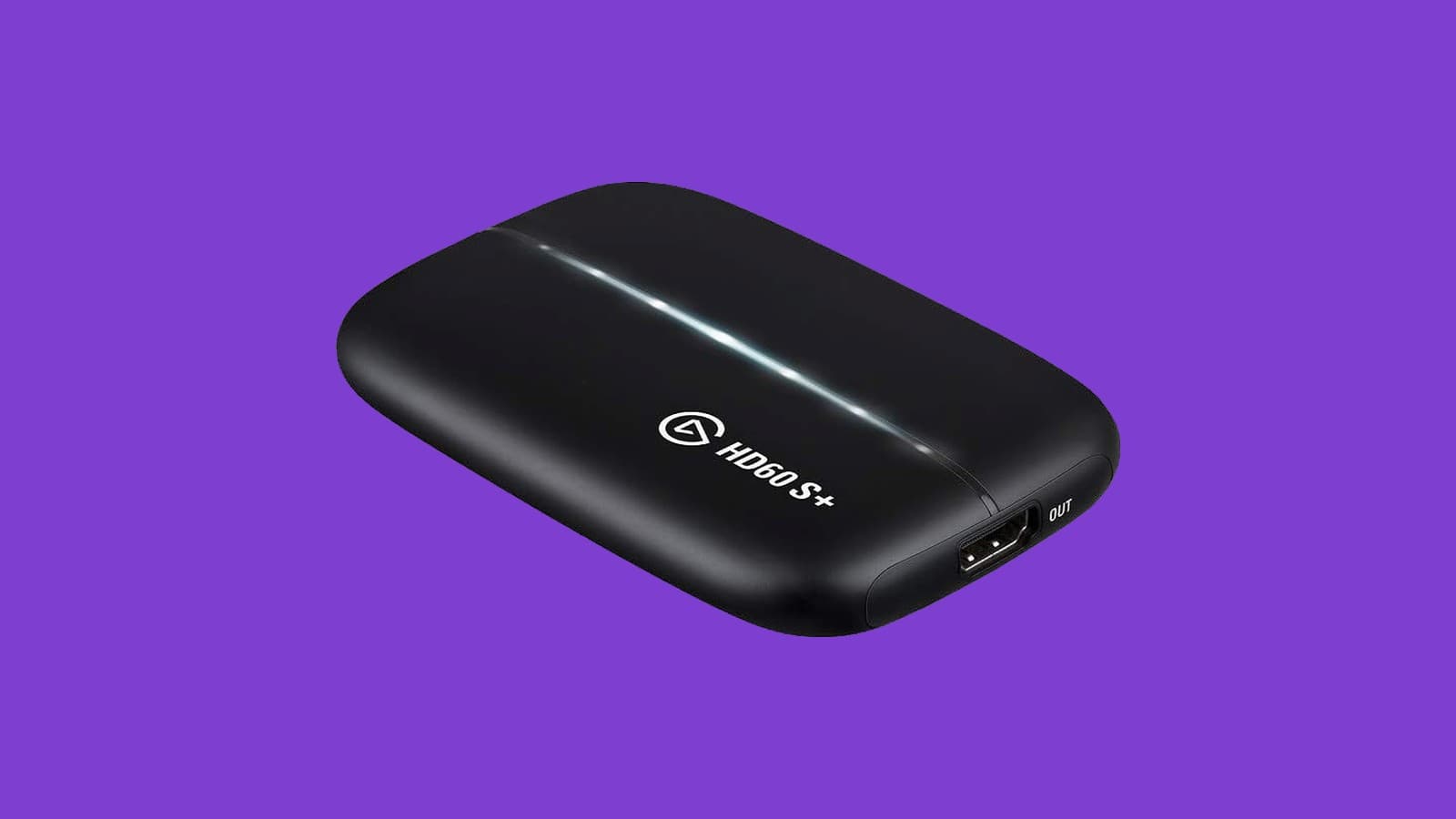
The HD60 S+ is the previous generation of Elgato's external capture box. It does the same job in the same shape: HDMI in from the console, HDMI out to the TV, USB-C to the computer, both cables included. The difference is what lands in the file.
Compatibility, and the part to read first. It takes PS5, PS4 and PS4 Pro, Xbox Series X/S, Xbox One X/S, the original Nintendo Switch and PC, plus other unencrypted HDMI sources. The Switch listed is the original Switch, not Switch 2. Host side it needs Windows 10 64-bit or macOS 10.13 or later over a USB 3.0 port. And Elgato's own support page marks this model Legacy (EOL) status, with a warning that the listed information may not match current Elgato hardware and software. That is the single most important line on the page.
How it differs from the Elgato 4K S: the HD60 S+ captures at 1080p60 and passes 4K60 through to the TV, so the console picture stays 4K while the recording is 1080p. The 4K S captures at 4K60 and passes through up to 2160p60, 1440p120 or 1080p240 with VRR, and it is the current, supported model on Elgato's software. The HD60 S+ is the older, cheaper, 1080p-capture option.
The Numbers That Matter
1080p60 capture, with HDR10. The real ceiling for smooth recording. There is a 2160p30 mode, but 30fps is not what you want for gameplay, so treat 1080p60 as the working number.
4K60 HDR10 passthrough. The TV still gets the full picture. You give up resolution in the file, not on the screen.
60Mbps H.264, 45Mbps H.265. The bitrate ceiling through 4K Capture Utility. It is plenty for a 1080p upload.
USB 3.0 Type-C, Windows 10 or macOS 10.13. Older host requirements than the current card, which is part of why this one still makes sense on an older PC.
| Spec | What it decides |
|---|---|
| 1080p60 HDR10 capture | The ceiling on your recordings |
| 4K60 passthrough | The TV keeps its picture while you record |
| Flashback Recording | Saving the moment after it happened |
| Legacy (EOL) status | How long Elgato keeps supporting it |
Who It Is For
The dad uploading at 1080p who would rather spend the difference somewhere else, and who is fine with hardware the manufacturer has stopped developing. If you want 4K files or long-term software support, buy the Elgato 4K S instead. If the source is a camera instead of a console, the Elgato Cam Link 4K is the other tool. Capture files pile up quickly, so keep a SanDisk Extreme Portable SSD nearby.
Every Dad Carry earns a commission on qualifying purchases made through the link above, at no extra cost to you. As an Amazon Associate we earn from qualifying purchases.
The Short Version
The older, cheaper Elgato box, and the honest pick if the recordings are headed to YouTube at 1080p anyway. Go in knowing Elgato has moved it to legacy status, so buy it for what it does today rather than for years of software updates.

MIKE MANNING
Ready to buy?